Problems
Virtual team-building games for Zoom, Meet and Teams
A remote team does not need more fun scheduled at it. It needs a reason to talk that is not a status update.
· 8 min read
Why remote team building feels like homework
The cringe has specific causes, and none of them is the game. The first is the cold unmute: a gallery of silent squares, and somebody is asked to switch on their microphone and share a fun fact about themselves with fourteen people who are looking at something else. The second is the screen share: the game runs on one person's screen, that person drives, and everyone else watches them click. The third is the calendar: a sixty-minute "team bonding" block dropped on top of a full week, which people attend in the way they attend a fire drill.
Each has a plain fix. Give everyone their own screen, a phone or a browser tab, so the whole team acts at once instead of watching one person act. Let the talking happen on camera and let the app hold the secrets, the timer and the score. And keep it to twenty minutes, inside a meeting that already exists, rather than in a new one people have to accept.
Every game below works that way. Players join with a room code, with nothing to install and nobody signing up, which is what makes it possible on a locked-down work laptop or on the phone beside it. It works next to Zoom, Google Meet or Microsoft Teams, because it does not touch the call at all.
Start with the one that gets people talking about themselves
Who Wrote It? is the better version of "go round and share a fun fact". A prompt appears ("a skill you have that nobody here knows about", "the job you wanted at ten"), and everyone writes an answer privately. Then the answers come up one at a time without names, and the team guesses who wrote each. Writing is private and the reveal is shared, which is the opposite of the cold unmute: nobody is on the spot, and everyone ends up talking.
The detail that makes it work is that the author guesses too. They can point at a colleague to throw the room off, and when the answer is revealed the room sees who guessed what, bluff included. On a call, "Asha pointed at Ravi for her own answer" gets a bigger laugh than any icebreaker question.
It is the best thing to run in a new joiner's first week. Two rounds at the start of the usual team meeting, about ten minutes, and the team knows three real things about the new person without anyone making them introduce themselves. For an offsite or an onboarding session, the host can add the team's own prompts before starting.
Games where the team has to think alike
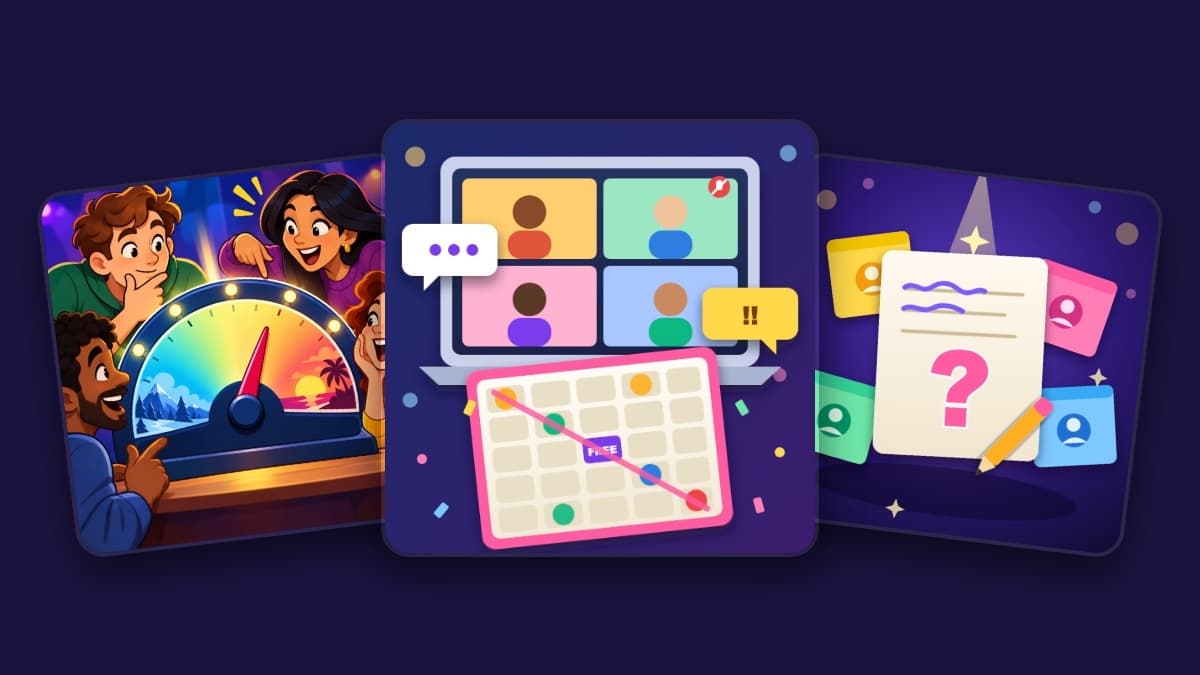
Wavelength is quietly the best team-building game on this list, because it is co-operative. One person sees a target on a scale ("overrated to underrated", say) and gives a clue; everyone else places the dial, and the room scores on how close its average lands. The argument about whether "PowerPoint" is overrated is the game, and it is the kind of argument a team should have more of.
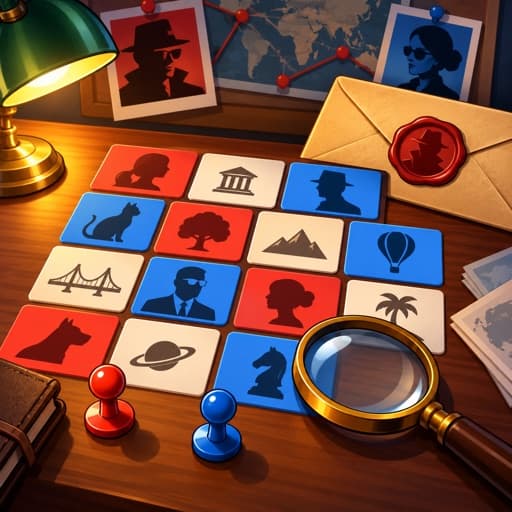
Codenames works on a call because the secret is on the spymasters' own phones: the grid is shared, the key is private, and the debate happens on camera. Split the call into two teams of two to five. Think Alike is the gentle option for a tired Friday: everyone answers the same prompt and scores for matching the majority, and its At the Office pack asks things like "name something you find on every office desk".
Something for the meeting itself
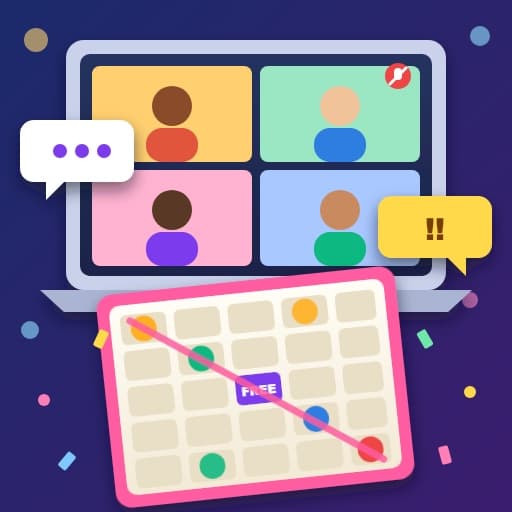
Meeting Bingo is the one game on this list you play during a real meeting rather than instead of one. Everyone gets a five-by-five card of things video calls always say: "you're on mute", "can you see my screen?", "sorry, go ahead", a pressure cooker whistle in the background. When you hear one on your card, tap it, and it is called for the whole room with your name on it. The first person with a full line presses BINGO, and the app checks it.
The public name on every call is what keeps it honest, along with a short wait between calls for each person and a host button to take back anything nobody actually said. There are packs for meeting classics, video-call chaos, corporate jargon and a Desi Office pack ("please do the needful", "kindly revert"), and the host can add the phrases their own team overuses.
Two pieces of etiquette. Use it in recurring internal meetings, never with a client. And it goes better when the person presenting knows; a presenter who is in on it tends to start working "let's circle back" into the update on purpose.
If your team has camera-on energy
Some teams want something louder. Draw & Guess has one person draw on their phone while the strokes appear on everyone else's screen, and the rest race to type the word. It works on a call because nobody has to hold a drawing up to a camera. Dumb Charades is the classic: the actor sees what to act on their own screen, acts it on camera, and the app keeps the time and the score.
For a small team that already gets along, Hot Seat with its Office Icebreakers pack puts one person in the seat while everyone else sends questions anonymously. The asker is never recorded, so the questions are better than the ones people would put their name to, and the person in the seat can pass on anything.
Which game for which call
Player counts and lengths below come from the games themselves.
| The call | Play | Players | Typical length |
|---|---|---|---|
| A new joiner's first week | Who Wrote It? (At Work pack) | 3 to 12 | 15–30 min |
| A recurring status meeting | Meeting Bingo | 2 to 30 | 10–45 min |
| A tired Friday call | Wavelength | 2 to 10 | 10–20 min |
| Thirty minutes and a competitive team | Codenames | 4 to 10 | 15–30 min |
| Cameras on, energy up | Draw & Guess | 2 to 10 | 10–20 min |
| A small team that already gets along | Hot Seat (Office Icebreakers pack) | 3 to 12 | 15–25 min |
Running it so it does not feel mandatory
Put it in the first or last ten minutes of a meeting that already exists, and say so in the invite. Drop the room link in the call chat; the link opens the game with the code already filled in, and people type a name and they are in. Anyone whose camera is off can still play on their phone, which is the easiest way to make a game feel optional without making it lonely.
Do not explain the rules. The join screen says what the game is in a line, and the first round teaches the rest faster than any explanation. And end on time, every time, even if the team is enjoying it. That is how it becomes a thing people look forward to instead of a thing they decline.
For a longer evening with friends rather than colleagues, there is a guide to running a game night on a video call. Everything that works at work is collected on the games for the office page.
The games in this post

Who Wrote It?
Everyone answers a prompt about themselves. Guess which colleague wrote each answer.
- Call friendly
- High energy
Meeting Bingo
Buzzword bingo for a real meeting: tap the phrases you hear and race to a line.
- Call friendly
Codenames
Spymasters give one-word clues for their secret agents.
- Call friendly

Wavelength
Place a concept on a spectrum — can your team read your mind?
- Call friendly

Draw & Guess
One person draws, everyone races to guess it.
- Call friendly

Hot Seat
One player answers. Everyone else asks, anonymously.
- Call friendly
- High energy
More like these on Games for Video Calls.
Ready to try it?
Start a room in a few taps. No account, nothing to install.